
Insights — SEO & Growth
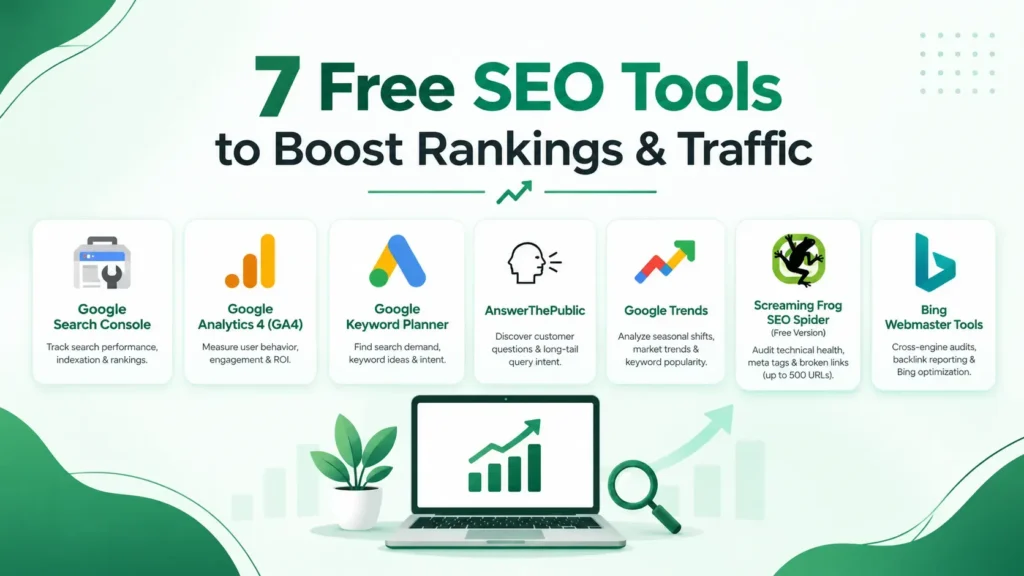
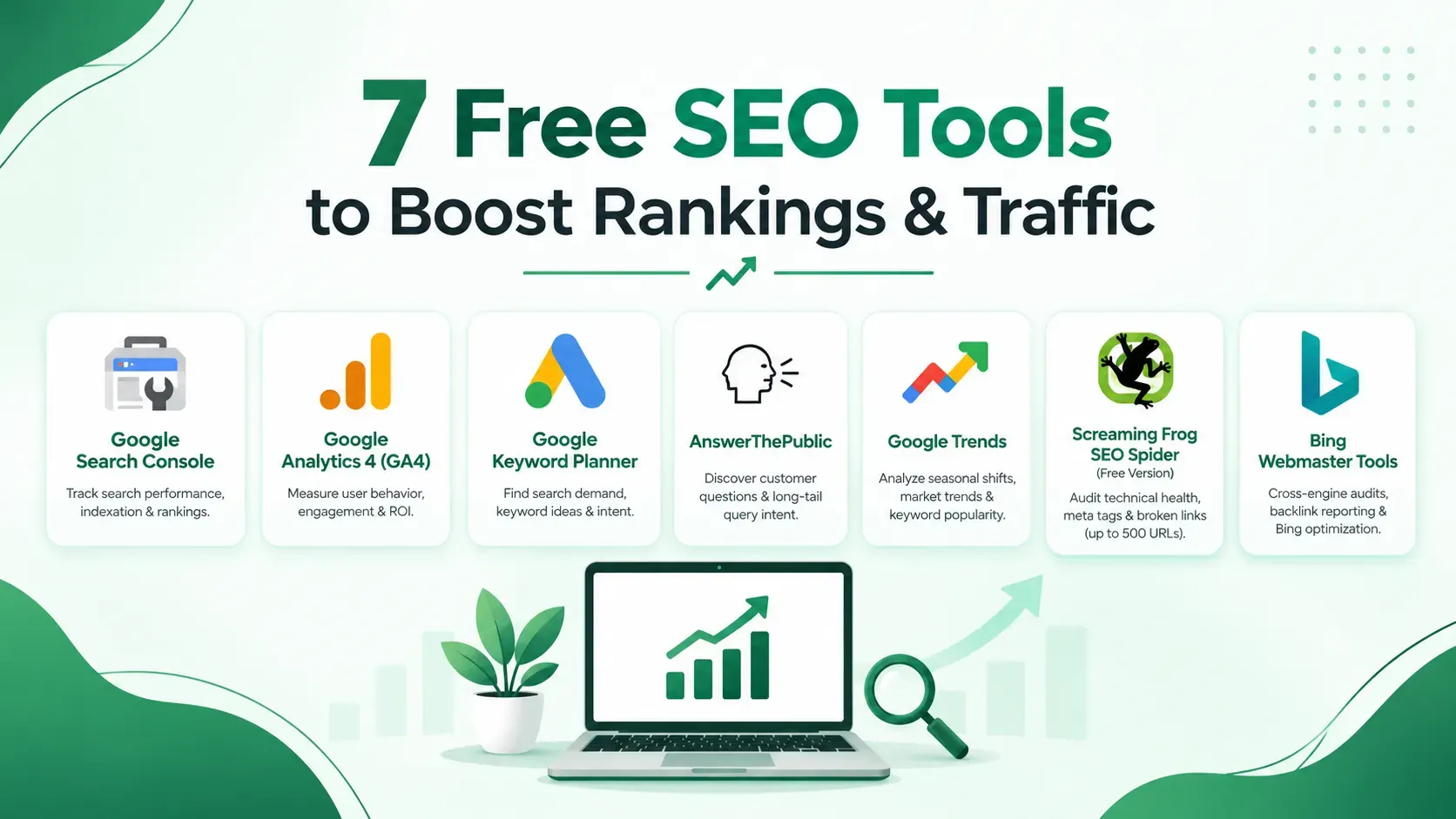
7 Free SEO Tools to Boost Rankings & Traffic
Search engine optimization has a reputation for being pricey. With all-in-one enterprise platforms, massive keyword databases, and real-time backlink trackers, it's easy to believe you need a multi-thousand-dollar marketing budget just to compete.
The truth is far more promising. Some of the most powerful, highly reliable SEO tools available today are completely free. Search engines like Google provide an immense amount of direct data to run a serious SEO program, while a handful of specialized free tools fill in the remaining gaps around content ideas, technical audits, and link analysis.
At KKJ Advisory, we believe that strategic clarity always beats expensive tool stacks. In this guide, we take you through seven free SEO tools that can genuinely move the needle on your organic rankings and traffic — what each does, why it matters, and how to maximize its business value.
Google Search Console
If you could only use a single tool from this list, this is it. Google Search Console (GSC) is a free service provided directly by Google that reveals exactly how your site performs in organic search results — no guesswork required.
What it does
- Displays the exact queries people use to find your site, along with impressions, clicks, click-through rate (CTR), and average search position.
- Identifies critical technical errors, crawl issues, and indexing obstacles.
- Reports on mobile usability and Core Web Vitals (site speed and stability).
- Allows direct sitemap submission and manual indexing requests for new or updated URLs.
- Provides evolving data on how your brand appears across Google's AI-powered search features (Search Generative Experience / AI Overviews).
Why it matters: GSC provides pure, first-party data directly from the source. While third-party tools make educated guesses based on scraped search results, Google Search Console delivers absolute truth about your website's performance.
How to use it effectively: Review the Performance Report weekly. Filter by queries and sort by Impressions. Look for high-impression keywords where your average position is between 11 and 20 (page two). These represent quick-win opportunities where minor on-page optimizations, metadata updates, or internal linking can propel your page directly onto page one.
Google Analytics 4 (GA4)
While Search Console shows you how visitors find your website, Google Analytics 4 reveals what they do once they arrive. GA4 is essential for linking SEO performance directly to revenue and business outcomes.
What it does
- Tracks user sessions, unique visitors, engagement rates, and drop-off points across web and app channels.
- Highlights high-performing landing pages versus pages with engagement issues.
- Allows custom conversion tracking (e.g., contact form submissions, consultations booked, or whitepaper downloads).
- Segments traffic by channel, making it easy to isolate organic search results from social, referral, or paid channels.
Why it matters: Traffic without engagement is a vanity metric. Long-term growth depends on attracting qualified leads who actively convert, and GA4 proves whether your targeted search terms attract high-intent visitors who take meaningful action.
How to use it effectively: Set up core conversion events in GA4, such as lead form submissions or direct contact clicks. Cross-reference your top organic landing pages in GA4 with your highest-volume queries in GSC to pinpoint which content delivers measurable business ROI.
Google Keyword Planner
Keyword research forms the foundation of any sustainable search strategy. Originally built for Google Ads advertisers, Google Keyword Planner remains one of the most reliable sources for identifying search demand.
What it does
- Provides estimated search volume ranges for target keywords and phrases.
- Generates expansive lists of related keyword ideas based on seed terms or target landing page URLs.
- Displays commercial intent indicators through paid ad competition metrics and bid estimates.
- Enables keyword filtering by country, territory, and language.
Why it matters: Understanding exact user search behavior prevents wasted effort. Keyword Planner removes speculation, allowing you to prioritize topics backed by real audience demand.
How to use it effectively: Unless you run active Google Ads campaigns, keyword volumes appear as broad ranges (e.g., 1K–10K). Use this data directionally to evaluate relative interest between topics, focusing on searcher intent rather than exact figures.
AnswerThePublic
Once core keywords are identified, AnswerThePublic uncovers the exact questions, comparisons, and search variations your audience is asking. It aggregates data from search engine autocomplete features, mapping queries into visual "question clouds."
What it does
- Reveals long-tail questions (who, what, why, where, how) centered around any primary keyword.
- Categorizes search insights into prepositions, comparisons (e.g., X vs Y), and alphabetical lists.
- Inspires high-converting blog topics, FAQ modules, and subheadings tailored for search intent.
Why it matters: Search engines prioritize content that directly answers user queries, frequently awarding them top placement in Featured Snippets and "People Also Ask" blocks.
How to use it effectively: The free tier limits daily searches, so organize your research systematically. Enter your core topic, export the dataset, and build comprehensive content outlines and targeted sub-sections around recurring questions.
Google Trends
Google Trends analyzes the relative popularity of search queries across time, locations, and categories, making it invaluable for tracking seasonal shifts and market demand.
What it does
- Displays normalized search interest curves over custom timeframes.
- Compares multiple keyword terms side-by-side to track relative market share.
- Provides geographic breakdowns by country, state, or metropolitan area.
- Highlights rapidly rising "breakout" queries and related topics.
Why it matters: Timing is critical in SEO. Aligning content publication schedules with upcoming seasonal spikes allows your content to rank before search demand reaches its peak.
How to use it effectively: Combine Google Trends with Keyword Planner. While Keyword Planner confirms overall search demand, Google Trends indicates whether that demand is growing, declining, or strictly seasonal.
Screaming Frog SEO Spider (Free Version)
Screaming Frog is an industry-standard desktop site crawler that simulates how search engine bots crawl and index a website. The free version crawls up to 500 URLs per domain — making it ideal for small-to-medium business sites or auditing specific site subfolders.
What it does
- Identifies broken links (404 errors), redirect chains (301 loops), and server errors.
- Audits meta titles, meta descriptions, and header tags (H1, H2) for missing data, length issues, or duplication.
- Flags missing image alt tags and unoptimized media files.
- Analyzes site architecture, canonical links, and internal linking distribution.
Why it matters: Technical crawlability is a prerequisite for organic visibility. Unresolved broken links, duplicate metadata, or incorrect redirects can quietly suppress your search rankings regardless of content quality.
How to use it effectively: Execute a full crawl quarterly or following site updates. Prioritize high-impact, site-wide issues (e.g., duplicate title tags or broken internal navigation) before addressing isolated page errors.
Bing Webmaster Tools
While Google commands majority search share, Microsoft Bing maintains a significant footprint across desktop search and AI integrations (including Copilot). Bing Webmaster Tools provides free, enterprise-grade site diagnostics that complement your Google-centric tools.
What it does
- Delivers performance reporting (clicks, impressions, position) across Bing search engine results.
- Scans sites with a built-in SEO Analyzer to flag structural and on-page optimization issues.
- Offers a robust Backlink Report detailing referring domains, anchor text, and link profiles.
- Monitors crawl stats, sitemaps, and indexing status.
Why it matters: Optimizing for Bing naturally strengthens your overall SEO foundation. Its free backlink reporting provides a valuable second perspective on your site's link profile without requiring a paid subscription.
How to use it effectively: Verify your domain via Bing Webmaster Tools using your existing Google Search Console account in a single click. Regularly inspect its backlink and technical site audit reports to uncover opportunities Google might not highlight.
Building a Sustainable, Free SEO Workflow
To achieve search visibility, you don't need a bloated software budget — you need consistency and execution. Each tool in this free stack serves a deliberate function across the main pillars of SEO.
| SEO Pillar | Recommended Free Tool |
|---|---|
| Performance & Conversion Tracking | Google Search Console, Google Analytics 4 |
| Keyword Research & Demand | Google Keyword Planner, Google Trends |
| Content Strategy & Ideation | AnswerThePublic |
| Technical Site Audits | Screaming Frog (Free Tier) |
| Backlink & Cross-Engine Insights | Bing Webmaster Tools |
Review Google Search Console and GA4 to track query performance, address indexing errors, and monitor conversion paths.
Conduct keyword and search intent research to fuel your publishing calendar.
Run technical crawls via Screaming Frog to clean up site architecture, metadata, and broken links.
Frequently Asked Questions
Yes. For most growing businesses, blogs, and SMBs, free tools provide more than enough reliable data to plan keywords, audit site health, and track rankings. Paid enterprise platforms become necessary primarily when executing large-scale competitive intelligence, managing deep backlink databases, or managing multiple client accounts.
Not at all. Start with Google Search Console and Google Analytics 4 to secure foundational visibility into your current audience and search footprint. Integrate keyword tools like Keyword Planner and AnswerThePublic as you scale content output, and introduce Screaming Frog quarterly for maintenance.
Checking GSC once a week is optimal. Checking too frequently creates noise from minor daily fluctuations, while checking less often risks missing indexation bugs or sudden ranking drops.
Google reserves exact search volume numbers for accounts running active Google Ads campaigns. Non-advertisers receive range estimates (e.g., 100–1K, 1K–10K). These ranges remain highly useful for evaluating relative search demand across keyword clusters.
AnswerThePublic uses a freemium model offering a set limit of free daily searches. For routine content planning, the free search allowance is typically sufficient.
Keyword Planner measures total overall search volume for specific terms. Google Trends measures relative popularity over time, highlighting seasonal surges or long-term growth patterns. Combining both ensures you choose topics that have high demand and optimal timing.
The free version caps crawls at 500 URLs. For larger websites, you can strategically audit specific site directories, blog sub-folders, or top landing page categories rather than crawling the entire domain at once.
Yes. Verification takes less than two minutes via Google Search Console import. The platform provides independent crawl reports and detailed backlink analysis that offer a valuable second opinion on your site's health.
SEO is a compound growth channel. Technical fixes identified through Screaming Frog can yield crawl and indexation improvements within a few weeks. Strategic content updates and targeted keyword additions typically reflect in search rankings within 1 to 3 months, depending on competitive difficulty and domain authority.
Absolutely. E-commerce platforms benefit significantly from Screaming Frog for auditing product page metadata at scale, Google Search Console for tracking category page queries, and Keyword Planner for targeting high-intent buyer searches.
Scale Your Search Strategy with KKJ Advisory
Executing a disciplined search strategy requires technical accuracy, data-driven content planning, and clear performance targets. We help businesses build scalable digital strategies that turn search visibility into measurable revenue growth.
Book a Strategy Call